docker build -t rossonet/processmaker-apache:latest https://github.com/rossonet/ProcessMaker-apache.git
- create the bridge network
docker network create --driver bridge pmos-net
- create the Mysql database
mkdir mysql-data
docker run -d --rm --name mysql-db -v $(pwd)/mysql-data:/var/lib/mysql -e MYSQL_ROOT_PASSWORD=my-secret-pw --network pmos-net mysql:5
- create the Processmaker instance
mkdir processmaker-data
export PMOS_URL=localhost
docker run -d --rm --name pmos -p 8080:8080 -v $(pwd)/processmaker-data:/opt -e URL=$PMOS_URL --network pmos-net rossonet/processmaker-apache:latest
- configure ProcessMaker
open the link http://localhost:8080 in the browser. Should appear a page with the dependencies check.
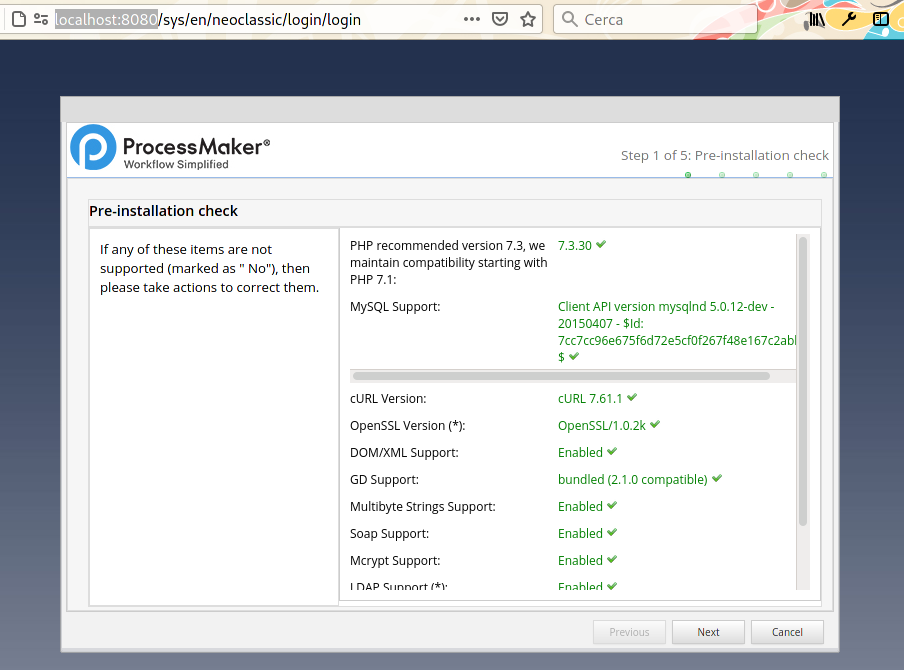
go to the "Next" page.
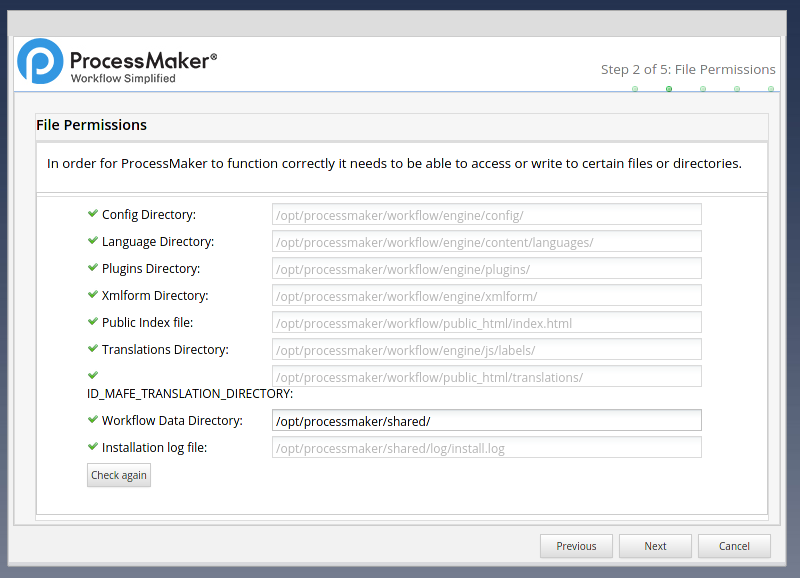
Next
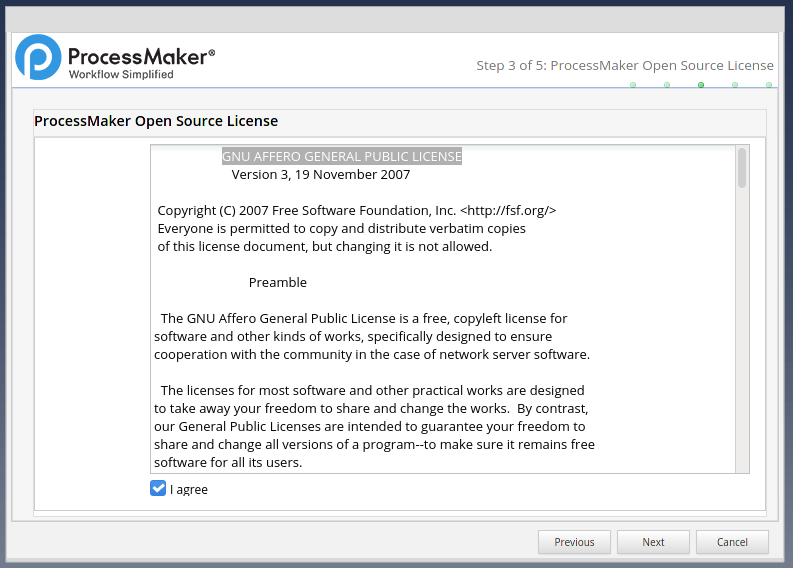
agree to the license of ProcessMaker, rember is a GNU AFFERO GENERAL PUBLIC LICENSE and click Next
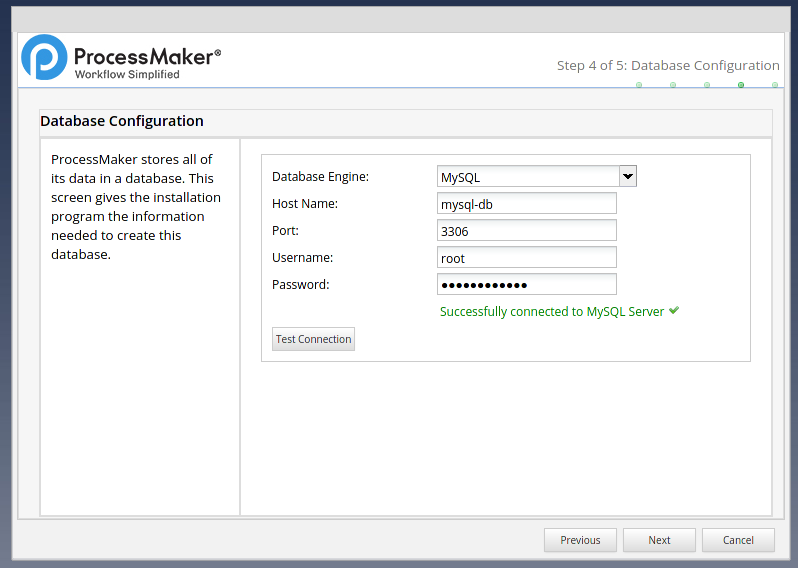
fill the password field, in our case my-secret-pw, and the "Host Name" with mysql-db than click on "Test Connection" and Next
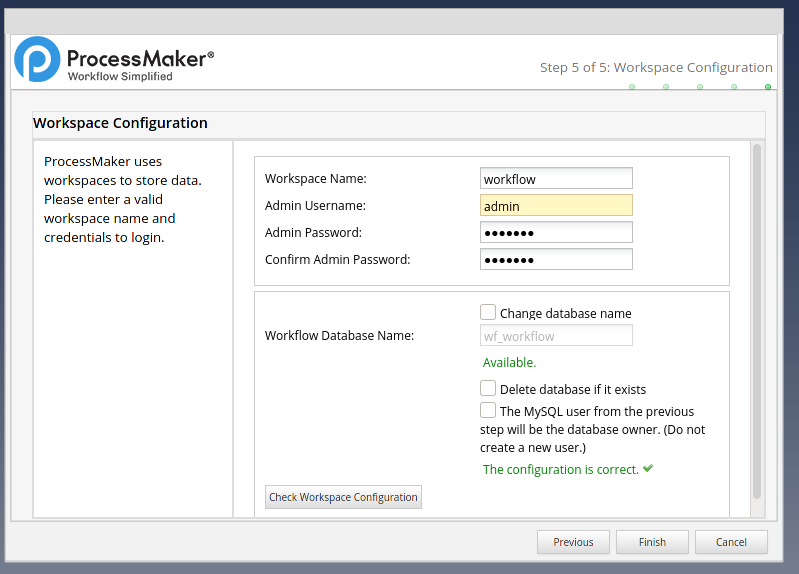
set the admin password, click on "Check Workspace Configuration" and "Finish"
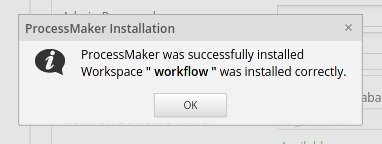
click on "OK"
- login to ProcessMaker
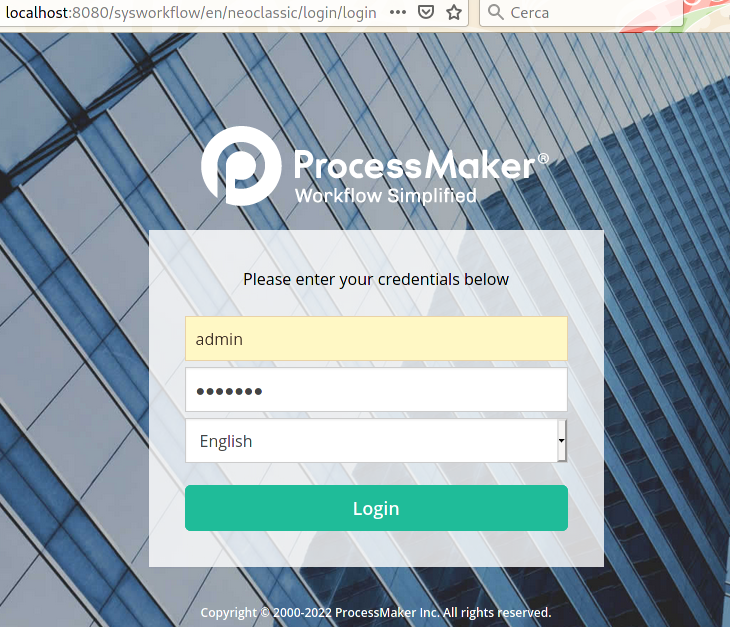
go to http://localhost:8080/sysworkflow/en/neoclassic/login/login
verify the docker network used between the containers
$ docker network ls
NAME      VERSION  PLUGINS
pmos-net  0.4.0    bridge,portmap,firewall,tuning,dnsname
check the containers
$ docker ps
CONTAINER ID  IMAGE                                                                                                      COMMAND         CREATED       STATUS           PORTS                   NAMES
d4b50ff138e4  localhost/rossonet/processmaker-apache:latest                                                              /bin/bash       24 hours ago  Up 24 hours ago  0.0.0.0:8080->8080/tcp  pmos
0d8e8100be08  docker.io/library/mysql:5                                                                                  mysqld          24 hours ago  Up 24 hours ago                          mysql-db
check the connection between the ProcessMaker container and the database
first of all, install the mysql client package
$ docker exec -it pmos yum install -y mysql
Loaded plugins: ovl, priorities
amzn-main                                                                                                                                        | 2.1 kB  00:00:00
amzn-updates                                                                                                                                     | 3.8 kB  00:00:00
Resolving Dependencies
--> Running transaction check
---> Package mysql.noarch 0:5.5-1.6.amzn1 will be installed
--> Finished Dependency Resolution

Dependencies Resolved

========================================================================================================================================================================
 Package                              Arch                                  Version                                      Repository                                Size
========================================================================================================================================================================
Installing:
 mysql                                noarch                                5.5-1.6.amzn1                                amzn-main                                2.7 k

Transaction Summary
========================================================================================================================================================================
Install  1 Package

Total download size: 2.7 k
Installed size: 0
Downloading packages:
mysql-5.5-1.6.amzn1.noarch.rpm                                                                                                                   | 2.7 kB  00:00:00
Running transaction check
Running transaction test
Transaction test succeeded
Running transaction
  Installing : mysql-5.5-1.6.amzn1.noarch                                                                                                                           1/1
  Verifying  : mysql-5.5-1.6.amzn1.noarch                                                                                                                           1/1

Installed:
  mysql.noarch 0:5.5-1.6.amzn1

Complete!
than try the connection between the ProcessMaker container and the database ( the password in the example is my-secret-pw )
$ docker exec -it pmos mysql -h mysql-db -p
Enter password:
Welcome to the MySQL monitor.  Commands end with ; or \g.
Your MySQL connection id is 18
Server version: 5.7.40 MySQL Community Server (GPL)

Copyright (c) 2000, 2021, Oracle and/or its affiliates.

Oracle is a registered trademark of Oracle Corporation and/or its
affiliates. Other names may be trademarks of their respective
owners.

Type 'help;' or '\h' for help. Type '\c' to clear the current input statement.

mysql> show databases;
+--------------------+
| Database           |
+--------------------+
| information_schema |
| mysql              |
| performance_schema |
| sys                |
| wf_workflow        |
+--------------------+
5 rows in set (0.02 sec)
stop the containers
$ docker stop pmos mysql-db
d4b50ff138e48e4274e0b13c08d89c517a9f2ecdc9ce6b0bcc8af6350782c6cf
0d8e8100be08d4bbaa6add4f0120ab0acb6716bee1358a07f2f54a990cfe5d98
delete the network bridge
$ docker network rm pmos-net
pmos-net
remove the storage directories (as root user)
$ sudo rm -rf processmaker-data mysql-data
source code on GitHub repository